-2.webp?width=52&height=22&name=211112-BEPA001-IZIX-LOGO-RVB_POS_1%20(1)-2.webp)
Definition: The Access Tab allows you to open parking gates and pedestrian doors directly from your phone, without the need for a card.
Contents
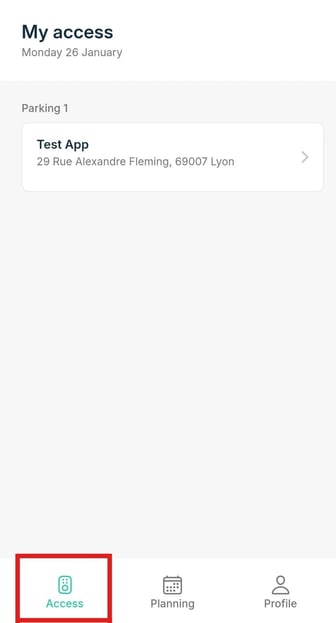
1. How it works
- Tap an access card in the Access tab.
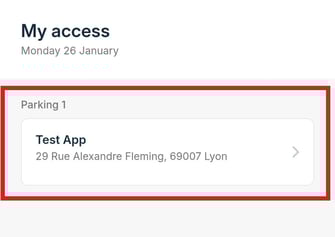
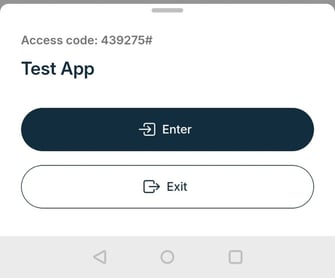
- Choose your action: Enter, Exit, or Pedestrian.
- Select the gate if there are multiple options.
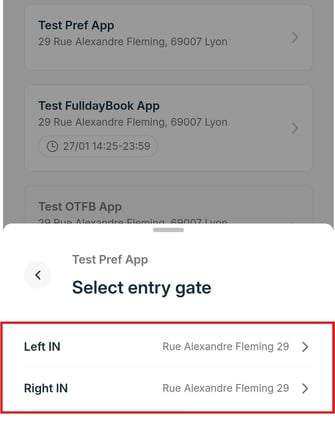
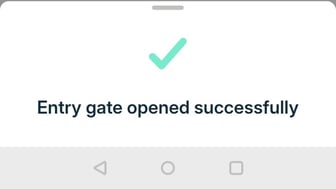
- The app will open the gate and confirm success.
2. What to know
- Spot and credit availability: Gates won’t open if there are no spots or credits left. The app will show a message.
- Geolocation: Some gates require you to be near the gate (default 100m) for security.
3. Tips
- Check your credits and available spots before entering.
- Always exit first if using FCFS access.
- Pull to refresh the Access tab to see the latest data.
Fast, contactless, and easy—track your parking, open gates, and know your availability, all in one place.